
None
None
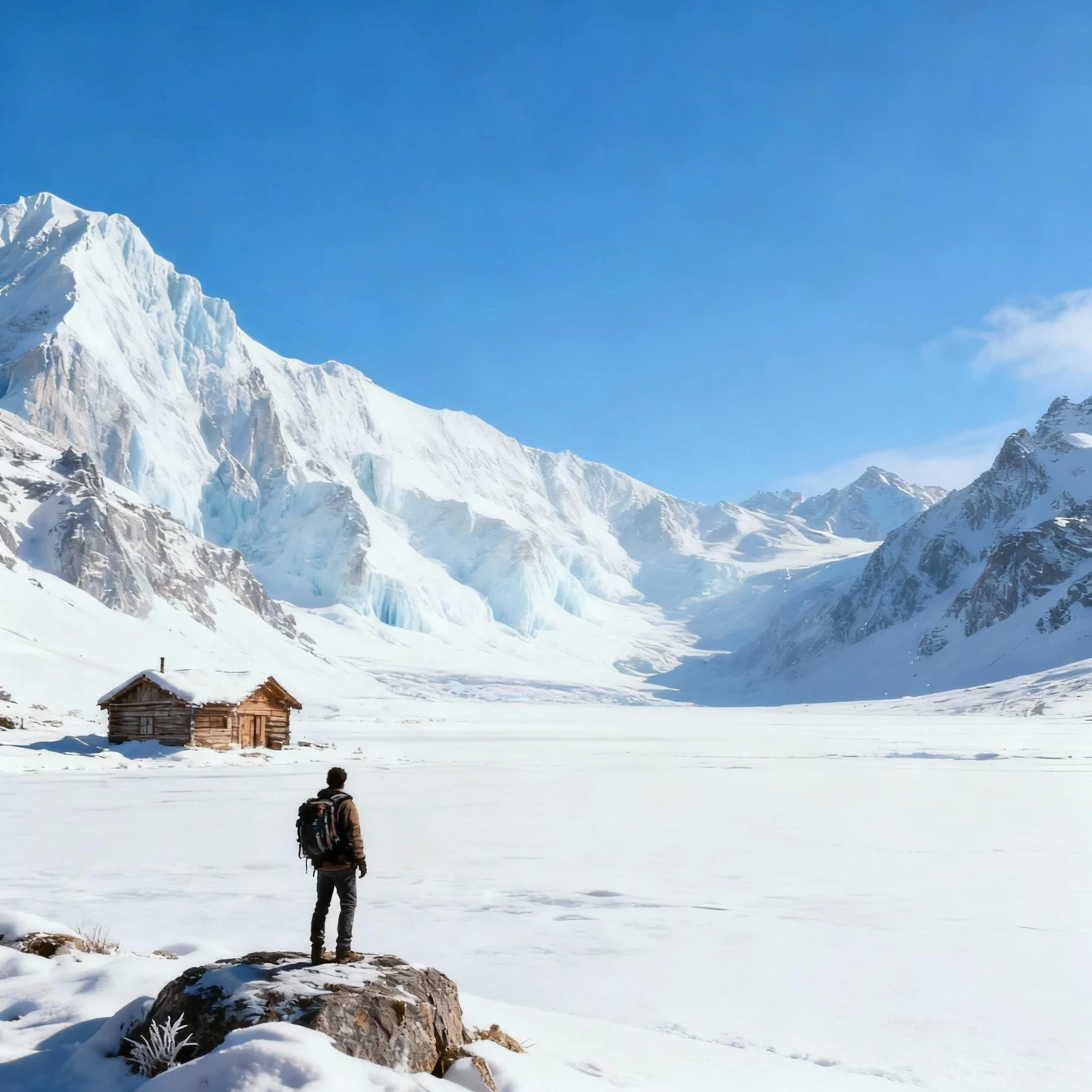
Long Story Video Skill
Turn your idea into 10s–10min video—AI writes scripts, prompts, and generates footage automatically.
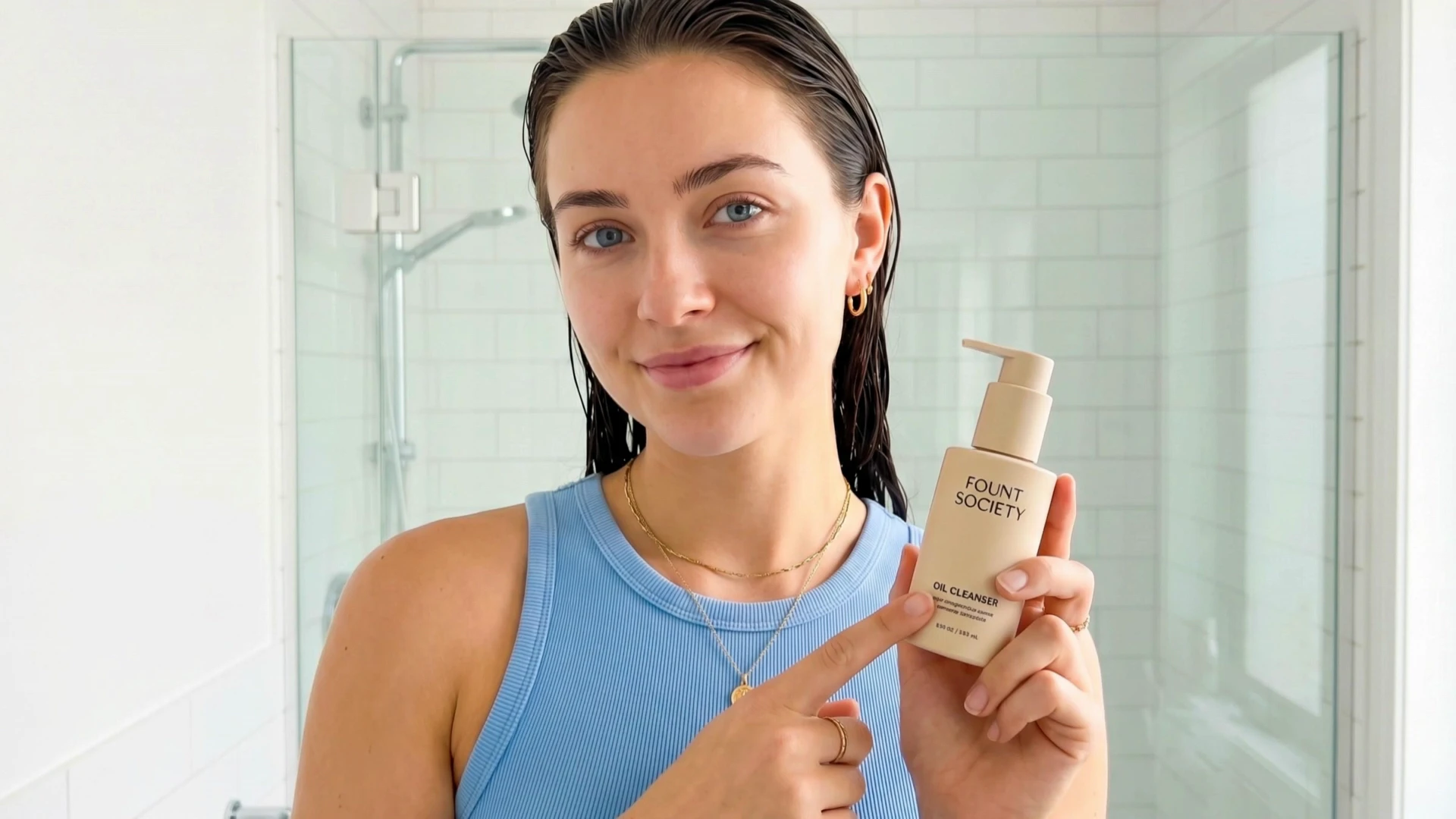
Ads Video Skill
Generate professional ads and sales videos—AI auto-generates scripts, prompts, and footage.
3D Science Explainer Video Skill
Convert scientific concepts into stunning 3D explain animations
Feedback
freeTrialImage.bannerPity
freeTrialImage.upgradeUnlock
- ✓freeTrialImage.benefitHd
- ✓freeTrialImage.benefitWatermark
- ✓freeTrialImage.benefitUnlimited
AI Video Generator
Start with a sentence or a still image and watch it move. This AI Video Generator handles the heavy editing — choose a model, press generate, and share.
All Tools
Discover our comprehensive AI-powered animation toolkit



Editing Power Without the Editing Work
Describe the change in plain words and the tool reshapes your footage — no timeline, no layers, no plugins.
- Text-to-Clip CreationBuild a fresh video from one written line.
- Clean-Up EditsErase distractions and leave the frame tidy.
- Style & EffectsDrop in rain, sparks, or a full anime look.
Three Steps from Prompt to Clip
No timeline, no plugins — just a written brief and a live preview.
Every Control, Driven by a Prompt
Swap the look, the weather, or the whole backdrop using nothing but a sentence.
Look & Wardrobe
Adjust age, outfits, and the overall aesthetic.
Weather Swaps
Turn a clear sky overcast or add falling snow.
Effect Layers
Layer in sparks, rain, anime, or neon cyberpunk.
Object Eraser
Wipe out stray props, logos, and watermarks.
Backdrop Swap
Replace the setting while your subject stays put.
Angle Tests
Reframe a shot from a new angle in one pass.
AI Video Generator: Common Questions
Short, direct answers before you press generate.
What exactly does this tool do?
It reads your written instruction and renders a matching video clip, so you skip manual editing entirely.
Which kinds of edits are supported?
Backdrop swaps, object clean-up, weather changes, style shifts, and fresh visual effects.
How long does a render take?
Most clips finish within a couple of minutes; heavier models take a little longer.
Can I try it without paying?
Yes — free credits are included, and paid plans unlock longer, higher-resolution output.
Do I need editing experience?
None at all. If you can describe the shot you want, you can produce it.
Which projects is it best for?
Social posts, product ads, short films, and personal projects all fit comfortably.
Your First Clip Is One Prompt Away
Write the shot you picture, choose a model, and let the render come back to you.